Are my conversations private?
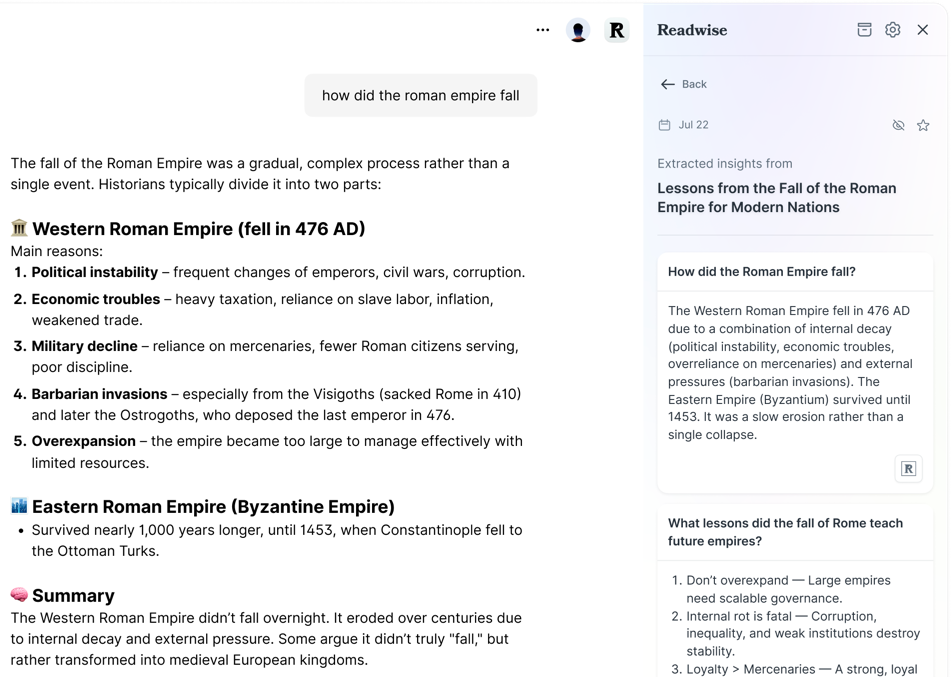
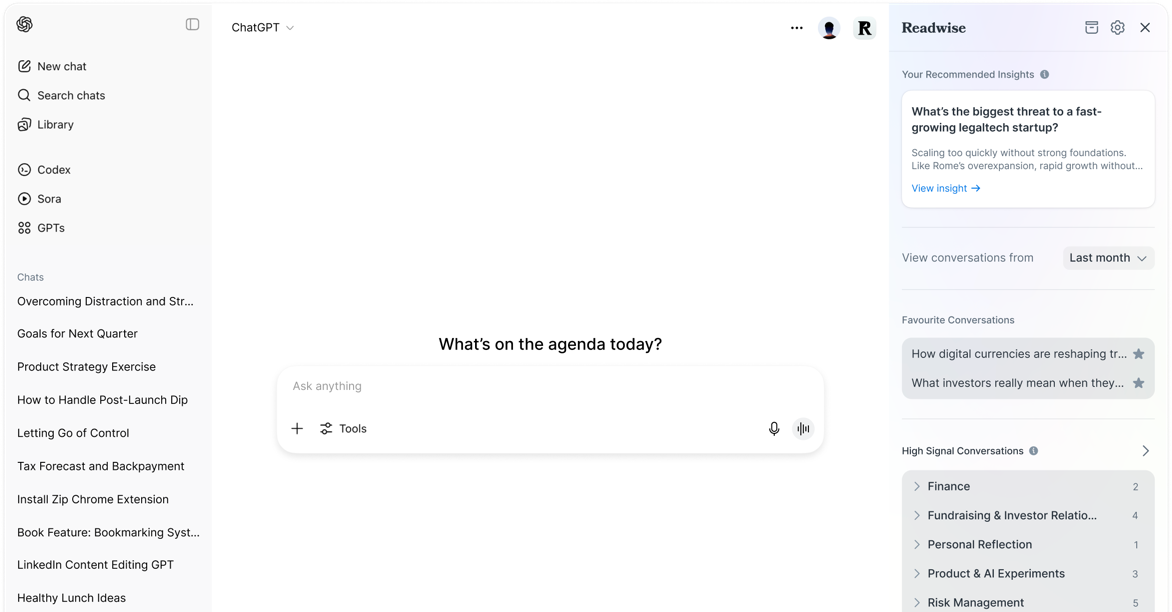
Yes. When you install the extension, you'll be prompted to if you want your insights automatically extracted or if you want to use manual mode. In manual mode, no data at all will be sent to our servers until you explicitly press "Extract" for a specific conversation (and in that case, only that conversation). If you use automatic mode, we'll process your conversations on our servers to categorize them and extract highlights (using GPT), but your data is still secure and will never be shared with anyone.
How much does using this feature cost?
ChatGPT Copilot is included as part of your Readwise subscription at no extra cost. You can also try it during our 30-day free trial.
Can my ChatGPT insights be synced to another app?
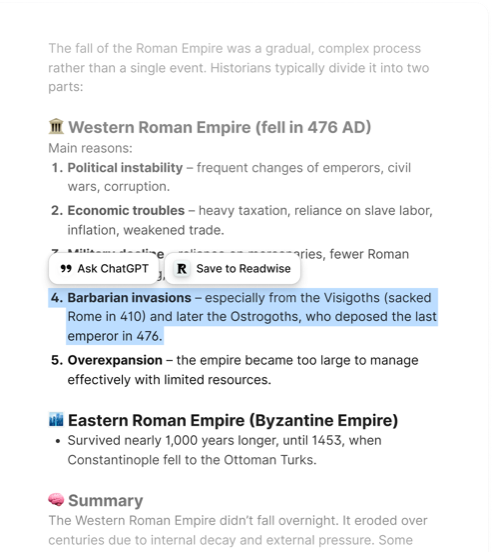
Yes! Your saved snippets are stored as highlights in Readwise, which you can export to Notion, Obsidian, Evernote, Zapier, and more -- as well as Markdown, CSV, or via our API.