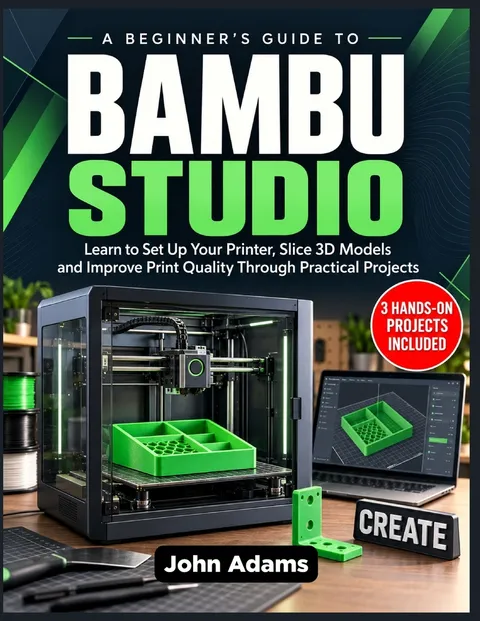
A Beginner's Guide to Bambu Studio
Learn to Set Up Your Printer, Slice 3D Models and Improve Print Quality Through Practical Projects
Report an issue
Tell us what's wrong and we'll take a look.
Thanks – we got it. We'll review and follow up if needed.
Your next failed print could begin with a setting you didn't know to check.
Learn what to change, why it matters, and how to prepare better prints with Bambu Studio.
Opening a 3D model is easy. Choosing the right presets, positioning it correctly, preparing supports, and understanding the sliced result can feel overwhelming.
A Beginner's Guide to Bambu Studio takes you through the process with clear explanations and practical, step-by-step instructions. Whether you are preparing your first print or struggling with inconsistent results, this guide helps you make informed decisions instead of changing settings and hoping for the best.
Inside, you will learn how to:
- Set up Bambu Studio for your printer, nozzle, build plate, and filament.
- Import STL, STEP, and 3MF files and check downloaded project settings.
- Position models and inspect sliced layers before printing.
- Adjust layer height, walls, infill, and speed for your project's needs.
- Prepare supports that balance surface quality and removal.
- Recognize filament problems and understand when calibration is useful.
- Assign colors, map AMS filaments, and manage change-related waste.
- Add text, cut models, use modifiers, and organize multiple plates.
- Investigate poor adhesion, stringing, missing details, and other common problems.
Put your knowledge into practice with three hands-on projects: a simple tray, a functional bracket, and a two-color nameplate.
You will also get a before-you-print checklist, essential terminology, and a reusable settings record to help you prepare carefully and repeat successful results.
Build a workflow you understand-from the first equipment check to the finished object.
Get your copy today and start turning your 3D models into prints you can prepare, evaluate, and improve with confidence.













Why Readwise Books?
Readwise Books is an ebook & audiobook platform that automatically logs how much you and your friends read, making it fun and easy to read more. Learn more →