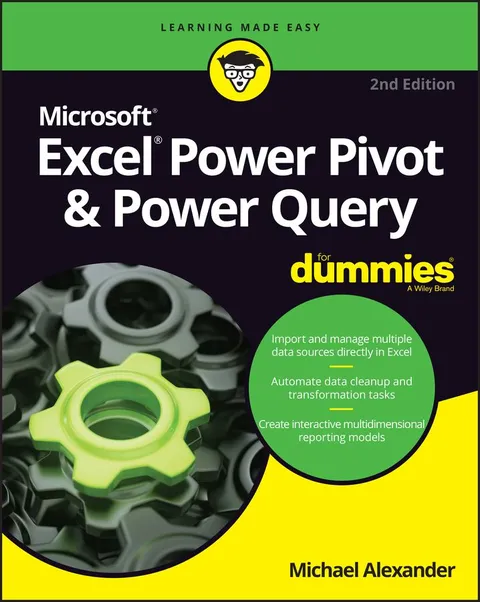
Excel Power Pivot & Power Query For Dummies
Report an issue
Tell us what's wrong and we'll take a look.
Thanks – we got it. We'll review and follow up if needed.
Learn to crunch huge amounts of data with PowerPivot and Power Query
Do you have a ton of data you need to make sense of? Microsoft’s Excel program can handle amazingly large data sets, but you’ll need to get familiar with PowerPivot and Power Query to get started.
And that’s where Dummies comes in. With step-by-step instructions—accompanied by ample screenshots—Excel PowerPivot & Power Query For Dummies will teach you how to save time, simplify your processes, and enhance your data analysis and reporting. Use Power Query to discover, connect to, and import your organization’s data. Then use PowerPivot to model it in Excel. You’ll also learn to:
- Make use of databases to store large amounts of data
- Use custom functions to extend and enhance Power Query
- Add the functionality of formulas to PowerPivot and publish data to SharePoint
If you’re expected to wrangle, interpret, and report on large amounts of data, Excel PowerPivot & Power Query For Dummies gives you the tools you need to get up to speed quickly.
Michael Alexander
Michael Alexander has been fascinated by the macabre since childhood, sparking a lifelong love affair with the horror genre. Hailing from Ontario, Canada, Michael's upbringing steeped his imagination in the eerie allure of the paranormal, the mysterious, the unusual, and the strange.
When he's not crafting chilling tales, Michael can often be found indulging in his passion for horror cinema, immersing himself in the dark narratives that fuel his creativity. Alternatively, he works with esteemed filmmakers in the industry. You could also spot him wandering amidst the tranquility of nature, accompanied by his beloved dog, Zeke.
More by Michael Alexander










Why Readwise Books?
Readwise Books is an ebook & audiobook platform that automatically logs how much you and your friends read, making it fun and easy to read more. Learn more →