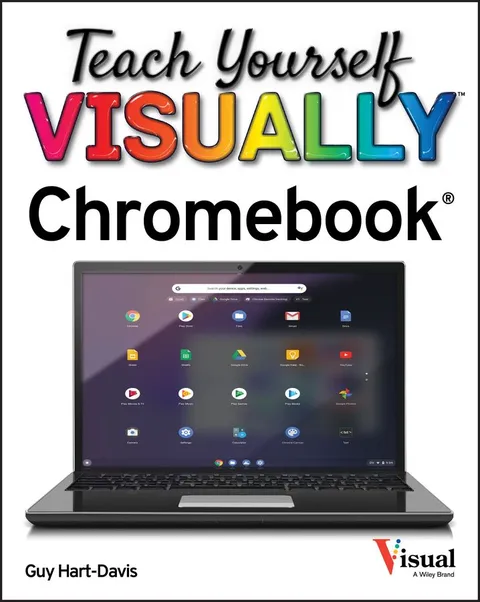
Teach Yourself VISUALLY Chromebook
Report an issue
Tell us what's wrong and we'll take a look.
Thanks – we got it. We'll review and follow up if needed.
Teach Yourself VISUALLY Chromebook is your ultimate guide to getting the most out of your Chromebook!
Designed for ease of use and portable functionality, Chromebook is the device of choice for children, teens, and adults alike. Learn to setup and use your new Chromebook by configuring essential settings and connecting external devices.
When you first open your Chromebook, you'll see several app icons sitting at the bottom of the screen. This area is called the Shelf, and it mimics the Windows taskbar. The Chrome OS Shelf shows which apps are running and provides an easy way to launch apps. To make the Chromebook your own you'll want to add your commonly used apps to the Shelf, and remove the ones you don't use.
This guide will also teach you tips and tricks for how to share content with others from your Chromebook and how to download, run, and manage your applications!
Chromebook is designed to be one of the most feature-rich and user-friendly solutions that allows users the portable functionality of a laptop and tablet running Chrome OS with the ability to run Android apps and Linux desktop apps.
- Get started with Chromebook with over 800 full-color images
- Master ChromeOS and get up and running in no time
- Personalize your desktop background
Guy Hart-Davis
Guy Hart-Davis is the author of more than 60 computer books, including How to Do Everything: iPod, iPhone, & iTunes; iPad and iPhone Administrator's Guide; Integrating Macs in Windows Networks; and Mac OS X System Administration.
More by Guy Hart-Davis


Why Readwise Books?
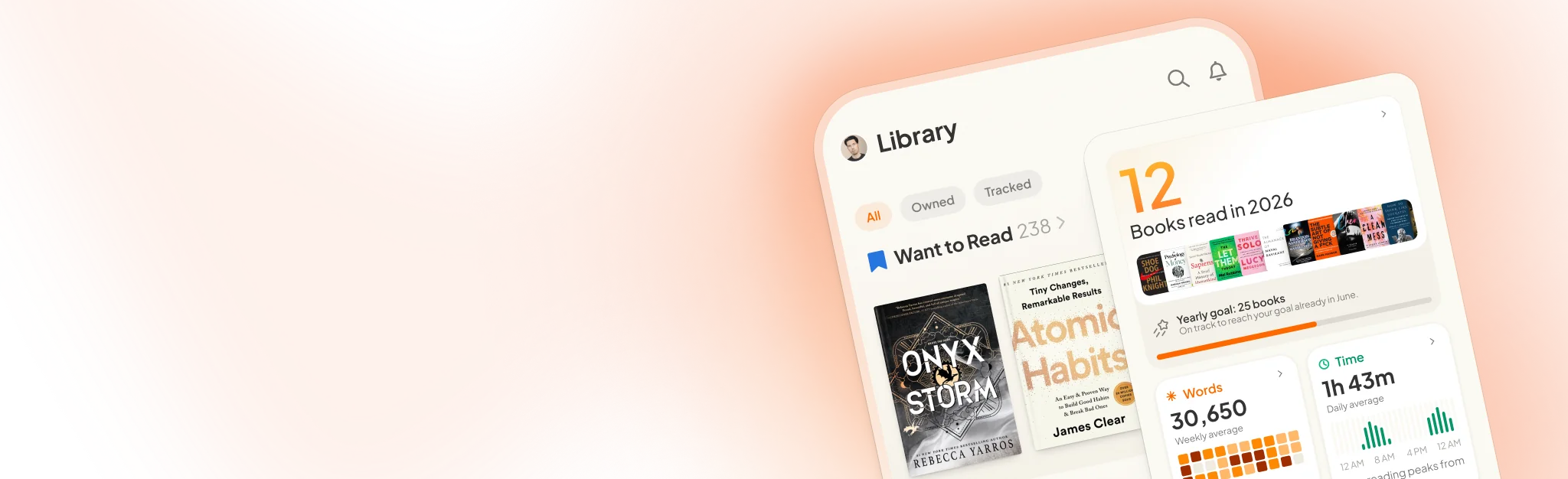
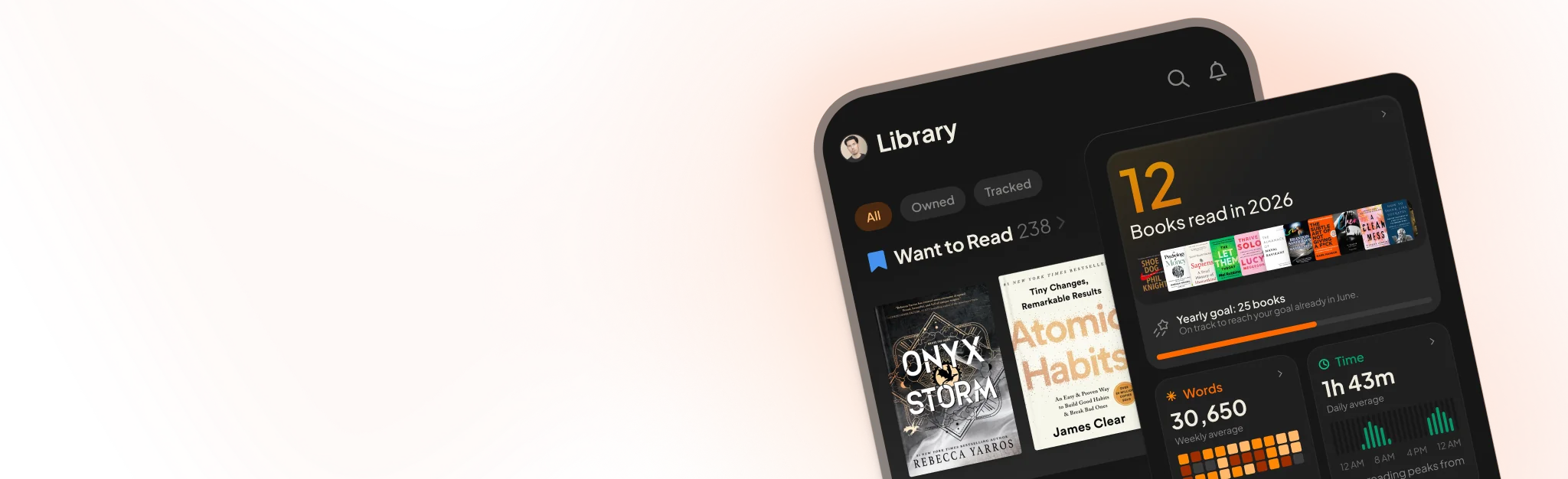
Readwise Books is an ebook & audiobook platform that automatically logs how much you and your friends read, making it fun and easy to read more. Learn more →