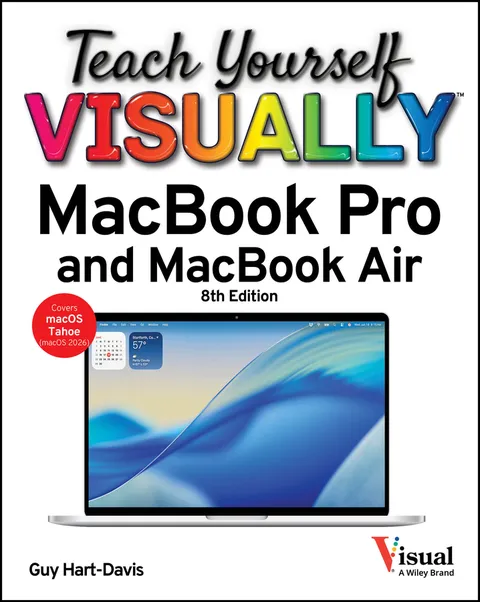
Teach Yourself VISUALLY MacBook Pro and MacBook Air
Report an issue
Tell us what's wrong and we'll take a look.
Thanks – we got it. We'll review and follow up if needed.
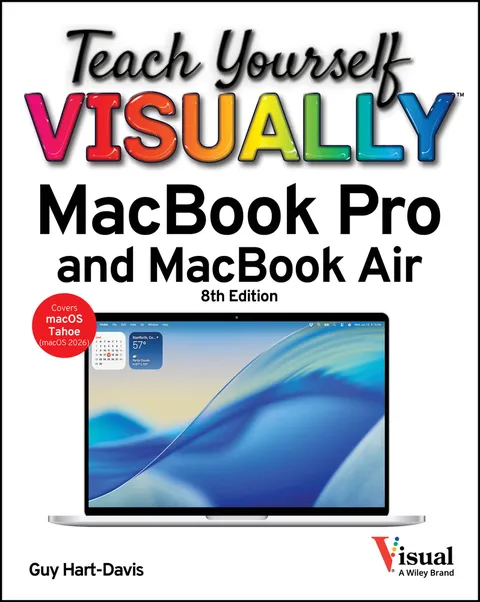
The visual learner's guide to getting up and running with your Apple laptop
Teach Yourself VISUALLY MacBook Pro and MacBook Air covers all the vital information you need to start working on your MacBook. With this highly illustrated and easy-to-follow guide, you'll learn to navigate the macOS interface like a pro, customize your desktop with the widgets you need, and get your MacBook working with iCloud, your iPhone, and your iPad. This book's graphical, step-by-step instructions walk you through everything from installation to troubleshooting, helping you to get the most out of the investment you've made in your MacBook.
This fully updated edition helps you become a power user of the latest MacBook models and exploit the features in macOS Tahoe, Apple's state-of-the-art operating system, and the apps that come with it. If you prefer to learn visually, this is the book you need.
Discover how to:
- Perform everyday tasks quickly and easily
- Customize settings to make macOS and its apps work the way you prefer
- Communicate via audio and video with FaceTime, via instant messaging with Messages, and via email with Mail
- Organize your life with Calendar, Contacts, Reminders, Notes, and Maps
- Make the most of your iCloud account
Instead of confusing tech-speak and vague instructions, this guide is packed with screenshots, easy-to-follow instructions, and a practical sensibility. Grab Teach Yourself VISUALLY MacBook Pro and MacBook Air and explore all that your MacBook can do.
Guy Hart-Davis
Guy Hart-Davis is the author of more than 60 computer books, including How to Do Everything: iPod, iPhone, & iTunes; iPad and iPhone Administrator's Guide; Integrating Macs in Windows Networks; and Mac OS X System Administration.
More by Guy Hart-Davis





Why Readwise Books?
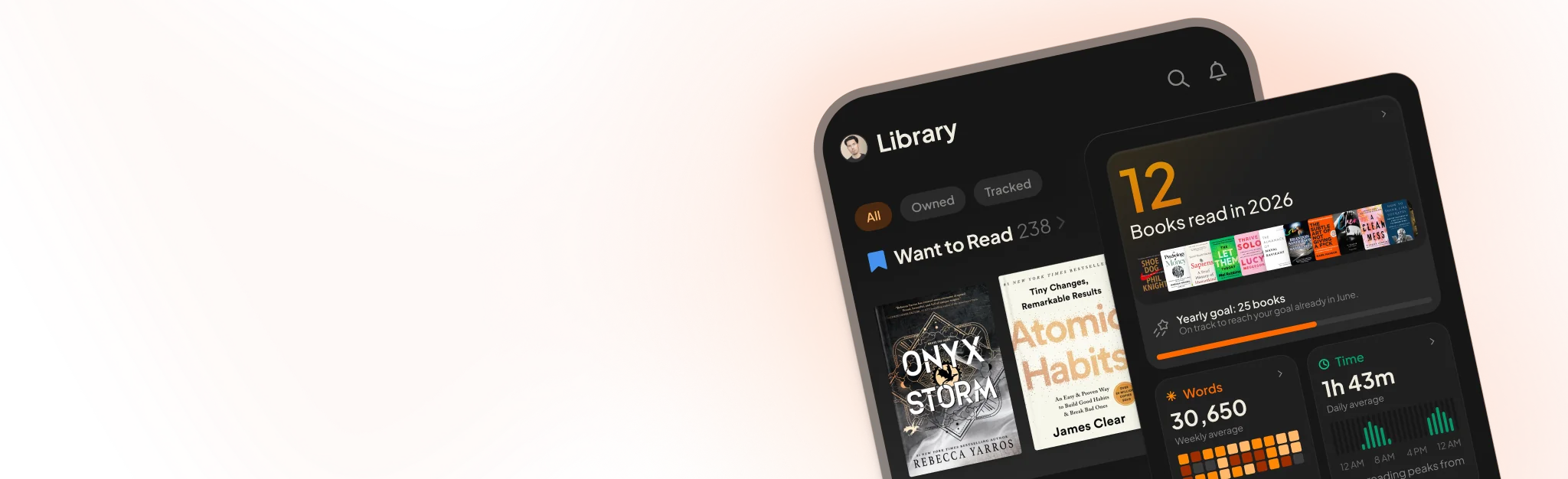
Readwise Books is an ebook & audiobook platform that automatically logs how much you and your friends read, making it fun and easy to read more. Learn more →