Report an issue
Tell us what's wrong and we'll take a look.
Thanks – we got it. We'll review and follow up if needed.
The lab uses the "openpyxl" functions to read, write, and format Excel objects. We'll also use dictionaries and lists with the data to drastically improve performance. The code is organized around several lab functions. The compartmentalized functions provide a logical stopping place if you want to take a break and make it easier to "test" parts of your code and know they're working OK.
The step-by-step examples walk through each line of code with numbered examples, diagrams, and tables. The written explanation and graphics highlight the line numbers in the code, so you can follow along and visualize the code running. If you'd like more information on a particular concept, there are links to the Python Basics chapter with extensive details and examples.The book content follows an organized outline structure in case you want to zero in on a particular task, such as "Add Expenses to the Sum Totals." This structure is mirrored in the Table of Contents to simplify locating a particular topic. I've also provided an extensive Index as a reference.
The lab imports optional components that are commonly included in Python distributions like Anaconda. We'll extend Python's standard library with functions from the "openpyxl," "os," "sys," "string," and "datetime" libraries.



Why Readwise Books?
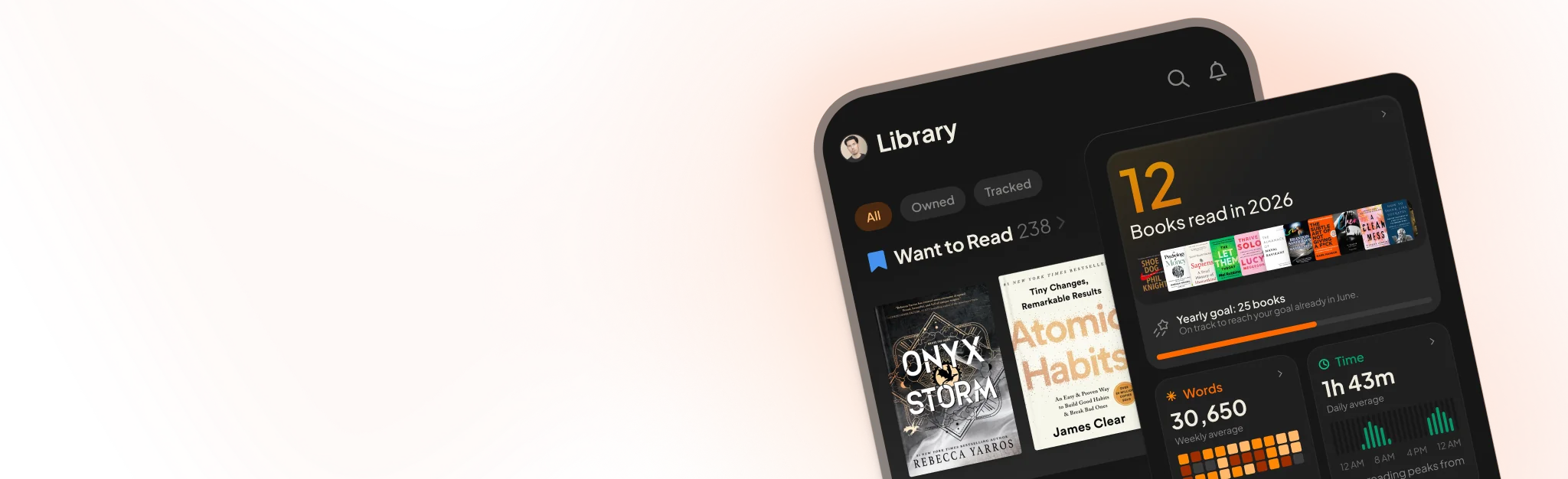
Readwise Books is an ebook & audiobook platform that automatically logs how much you and your friends read, making it fun and easy to read more. Learn more →