Report an issue
Tell us what's wrong and we'll take a look.
Thanks – we got it. We'll review and follow up if needed.
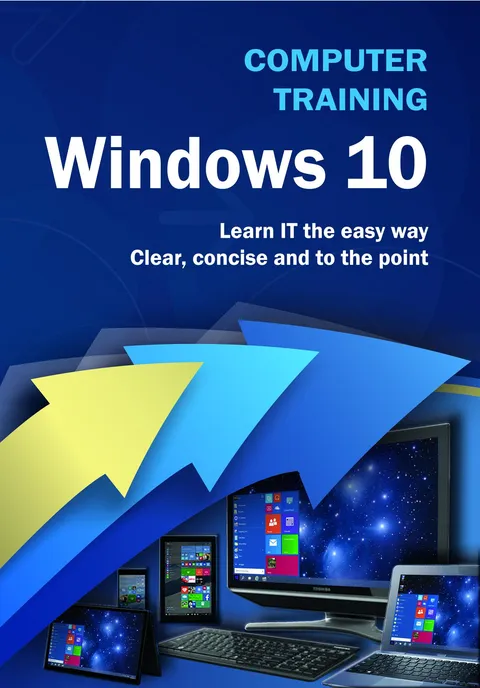
Teach yourself how to navigate and use the most unified version of Windows in Microsoft’s history, whether it’s on your phone, tablet or desktop computer.
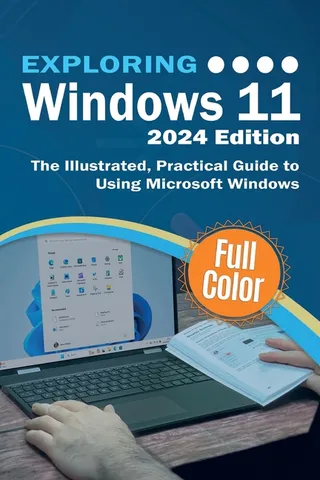
With plenty of screen prints, photographs and illustrations, this guide explores...
- Windows 10’s new features, menus and utilities
- Setting up your computer, downloading and upgrading to Windows 10
- Navigating around Windows 10 using the new start menu
- Using the desktop and running applications
- Using Cortana virtual assistant and Microsoft Edge Web Browser
- Using OneDrive
- Backing up your important data with filehistory
- Antivirus and internet safety
- Downloading & watching videos
- Downloading & listening to music
- Staying in touch friends, family and colleagues using Mail, Calendar & People App
- Maintaining Windows 10, scanning drives for errors and basic recovery procedures and more...
Techniques are illustrated step by step using photography and screen prints throughout, together with concise, easy to follow text from an established expert in the field.
Designed for the visual learner, this guide will get you up and running quickly.
Kevin Wilson
KEVIN WILSON is Vice President of Videologies, Inc., a company that specializes in training administrative professionals in Fortune 500 companies. JENNIFER WAUSON is President of Videologies, Inc.
More by Kevin Wilson







Why Readwise Books?
Readwise Books is an ebook & audiobook platform that automatically logs how much you and your friends read, making it fun and easy to read more. Learn more →